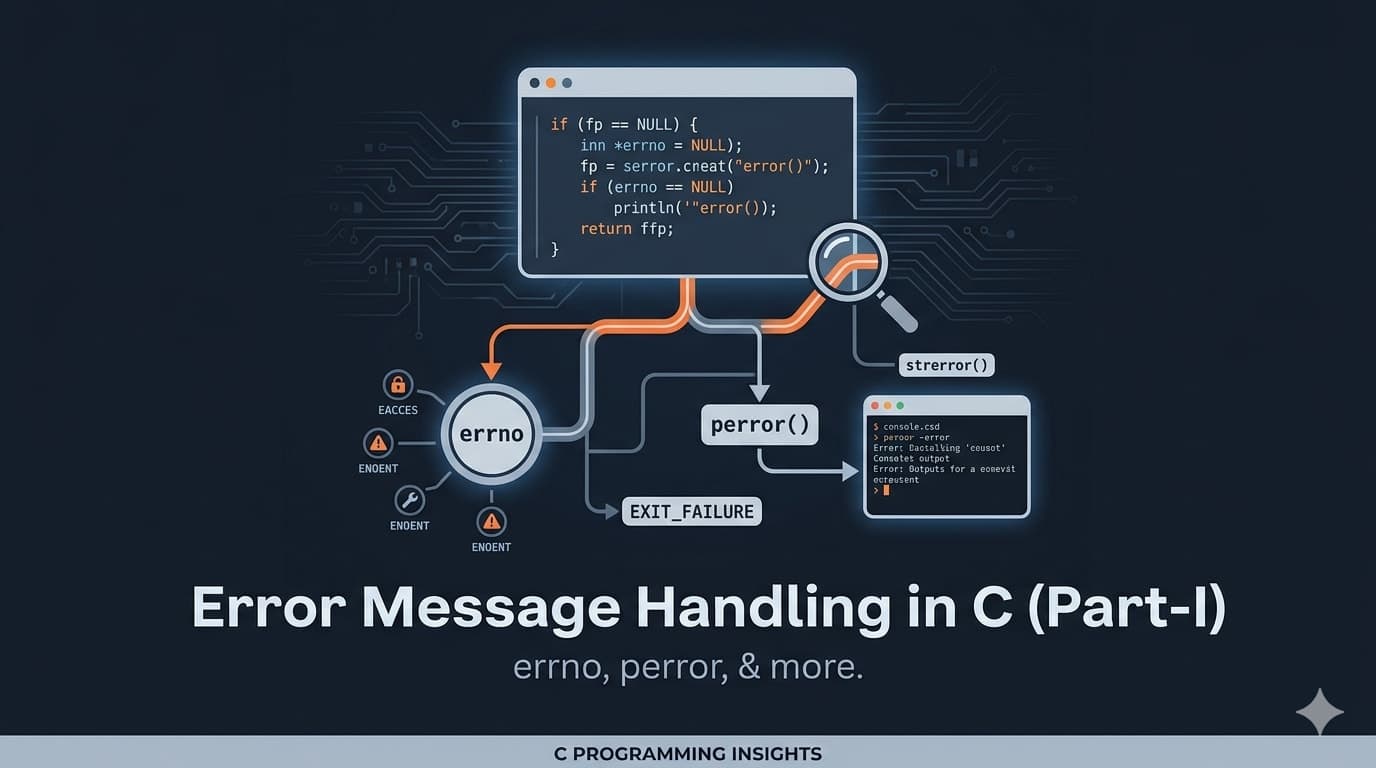
We don’t want our program to behave like our girlfriend or wife — getting angry but not telling us why. You know that classic conversation:
“What’s wrong?”
“Nothing. I’m fine.”
Yeah… frustrating, right? 😅
Yeah, we’ve all been there. It’s infuriating, and it’s equally frustrating with our code! Now imagine your C program doing the same thing — failing silently with no explanation. Ugh, right? Suddenly, your girlfriend/wife debug mode is activated on your program… not exactly what you signed up for. We want to know the problem so that we can think and take proper steps to solve it rather than thinking and beating around the bush.
Introduction
Today, we’ll explore how error messages in C are generated and handled. Generally, we don’t like ERRORS but error messages are important specially to debug a code or to find whether the expected output is generated.
Errors might be annoying, but they are extremely important. They help us understand:
- Why a program isn’t working
- What went wrong internally
- How to fix the issue
If you have some experience with file handling in C, this will feel familiar. For now, jot down these two key words: perror & errno. We’ll get into all the juicy details soon enough.
Error Generation in C
Let’s assume you try to open a file that doesn’t exist in your directory or drive. In this case, the Operating System (OS) won’t do much but just will indicate that — “hey, something’s wrong”. This ‘something wrong indication’ will be passed by the library function to the user program. Let’s walk through exactly how that happens.
First, a quick refresher: remember those #include <stdio.h> lines at the top of your C code? Those are how you bring in library files. We’ll dive deeper into what that #include process really does later on, when we explore the “GCC Compilation Process — Preprocessor”. For now, just know — it pulls in the functionality you need.
Previously, I said that the ‘something wrong indication’ will be passed by the library function to the user program. Now, the question is how the Operating System will indicate this ‘something wrong’. How does the OS flag that error? It stores a specific error code in an integer variable called errno. Now, you might be thinking, “wait, I haven’t defined any errno variable.” And you’re right! The thing is, errno is defined in a different file: errno.h. So, from your program’s perspective, it’s an external integer variable. Let’s see this in action.
How does C store errors
C uses a special integer variable called errno
But here’s the catch:
- You don’t declare it yourself
- It’s defined in the header file:
#include <errno.h>
Let’s dive into the action
- Go ahead and create a new directory, maybe call it “ErrorHandling”.
D:\ErrorHandling
- Inside that, create a C program — I’ll call mine “program.c”. You can use Visual Studio Code like me, or your favorite IDE.
program.c
Figure 1: Project structure showing program.c inside the project folder
- First, let’s make sure things are working as expected. Write a little code snippet to verify that.
#include <stdio.h>

int main(void)
{
    printf("We’ll generate error message today!\n");
    return 0;
}
Figure 2: program.c code snippet
- Great, that’s working! Now, as we discussed earlier about errno, let’s add a line to see what its current value is.
#include <stdio.h>

int main(void)
{
    printf("%d\n", errno);
    printf("We’ll generate error message today!\n");
    return 0;
}
Figure 2: Adding errno variable
- See that squiggly line underlining errno? That’s because we haven’t defined it in our program. We don’t need to, though — it’s already defined in errno.h. So, we just need to include that header file.
Figure 2: Adding errno header
👉 If errno = 0, no error has occurred.
❌ Generating an Error
Let’s try opening a file that doesn’t exist:
#include <stdio.h>

int main() {
    FILE *fp = fopen("textfile.txt", "r");
    return 0;
}

👉 No error message appears!
Why?
Because fopen() does not print errors automatically.
🔍 Checking for Errors
#include <stdio.h>
#include <errno.h>

int main() {
    FILE *fp = fopen("textfile.txt", "r");

    if (fp == NULL) {
        printf("Error code: %d\n", errno);
    }

    return 0;
}

👉 Example output:
Error code: 2
🧾 Converting Error Code to Message
To make it human-readable, use:
strerror(errno)
Updated Code:
#include <stdio.h>
#include <errno.h>
#include <string.h>

int main() {
    FILE *fp = fopen("textfile.txt", "r");

    if (fp == NULL) {
        printf("%s\n", strerror(errno));
    }

    return 0;
}

Output:
No such file or directory
👉 errno = 2 corresponds to:
ENOENT (No such file or directory)
📚 Where are error codes defined?
All error codes like ENOENT are defined in:
errno.h
You can find it inside:
MINGW/include/

⚡ Using perror()
Instead of manually using strerror(), C provides a simpler function:
perror("Error");
Example:
#include <stdio.h>

int main() {
    FILE *fp = fopen("textfile.txt", "r");

    if (fp == NULL) {
        perror("Error");
    }

    return 0;
}

Output:
Error: No such file or directory
✅ Conclusion
Now you understand:
- How errors are generated in C
- What
errnodoes - How to convert error codes into messages
- How to use
strerror()andperror()
Error handling is essential for writing robust and debuggable programs.
In the next part, we’ll dive deeper into advanced error handling techniques.
📖 References
- Pointers on C — Kenneth A. Reek